
Recipes
Create AI Music Visualizers with Claude, ChatGPT, or Gemini
Connect Claude, ChatGPT, or Gemini to Visibox and describe the visual you want. The AI writes the shader, Visibox plays it live. No coding needed.

Search every tutorial, guide, and page — try “MIDI”, “projector setup”, or “backing tracks”.
Connect Claude, ChatGPT, or Gemini to Visibox and describe the visual you want. The AI writes the shader, Visibox plays it live. No coding needed.
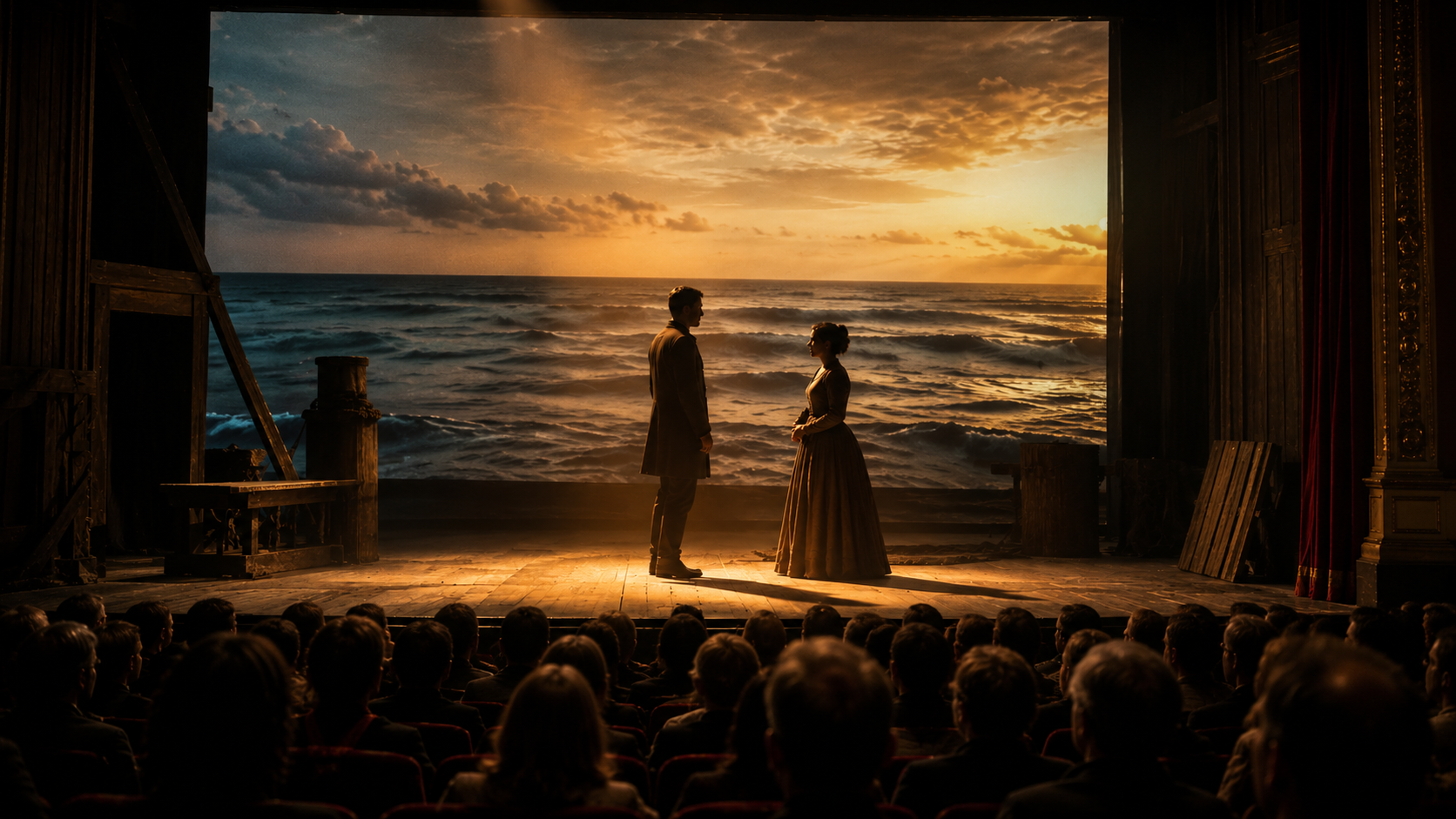
A step-by-step recipe for running projected scenery, video backgrounds, and visual cues in theater productions using Visibox – no cue-list programming required.
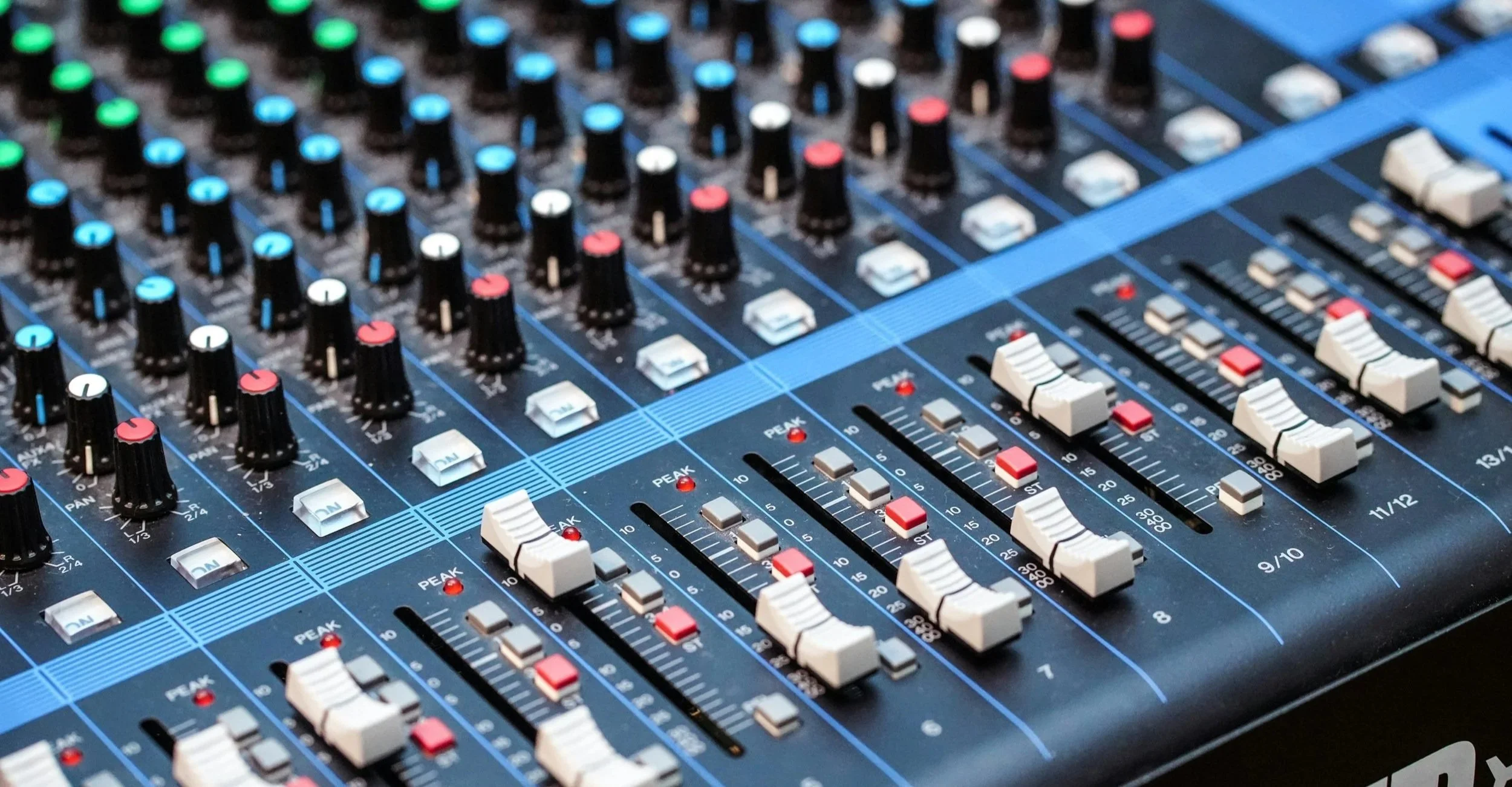
This step-by-step recipe shows you how to prepare stems in your DAW, configure your audio interface, and route multitrack audio for your next show.
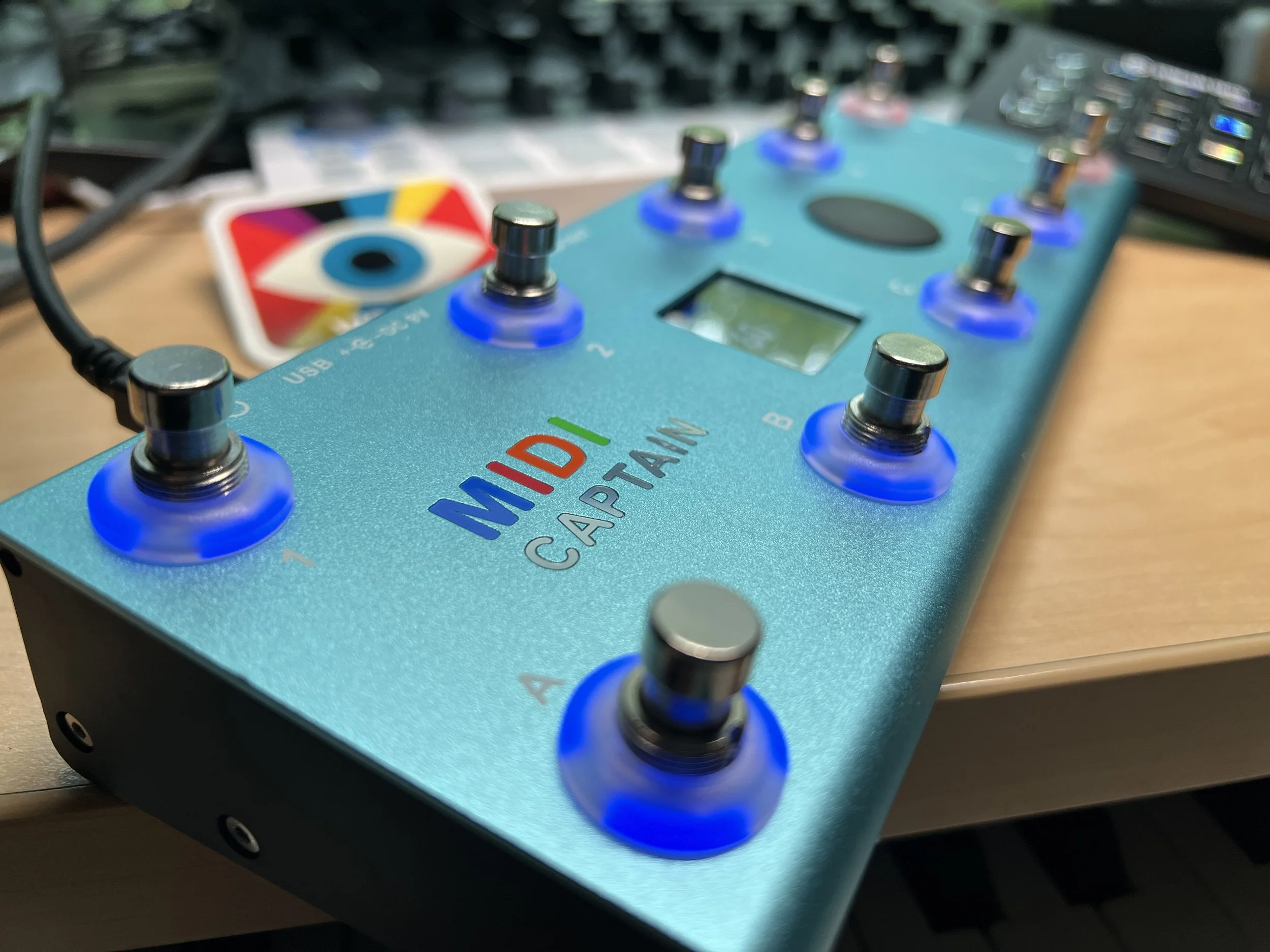
Put a video pedal on your board! Use the Paint Audio MIDI Captain foot controller to control Visibox. It’s affordable, flexible, and nearly perfect for controlling your visuals.
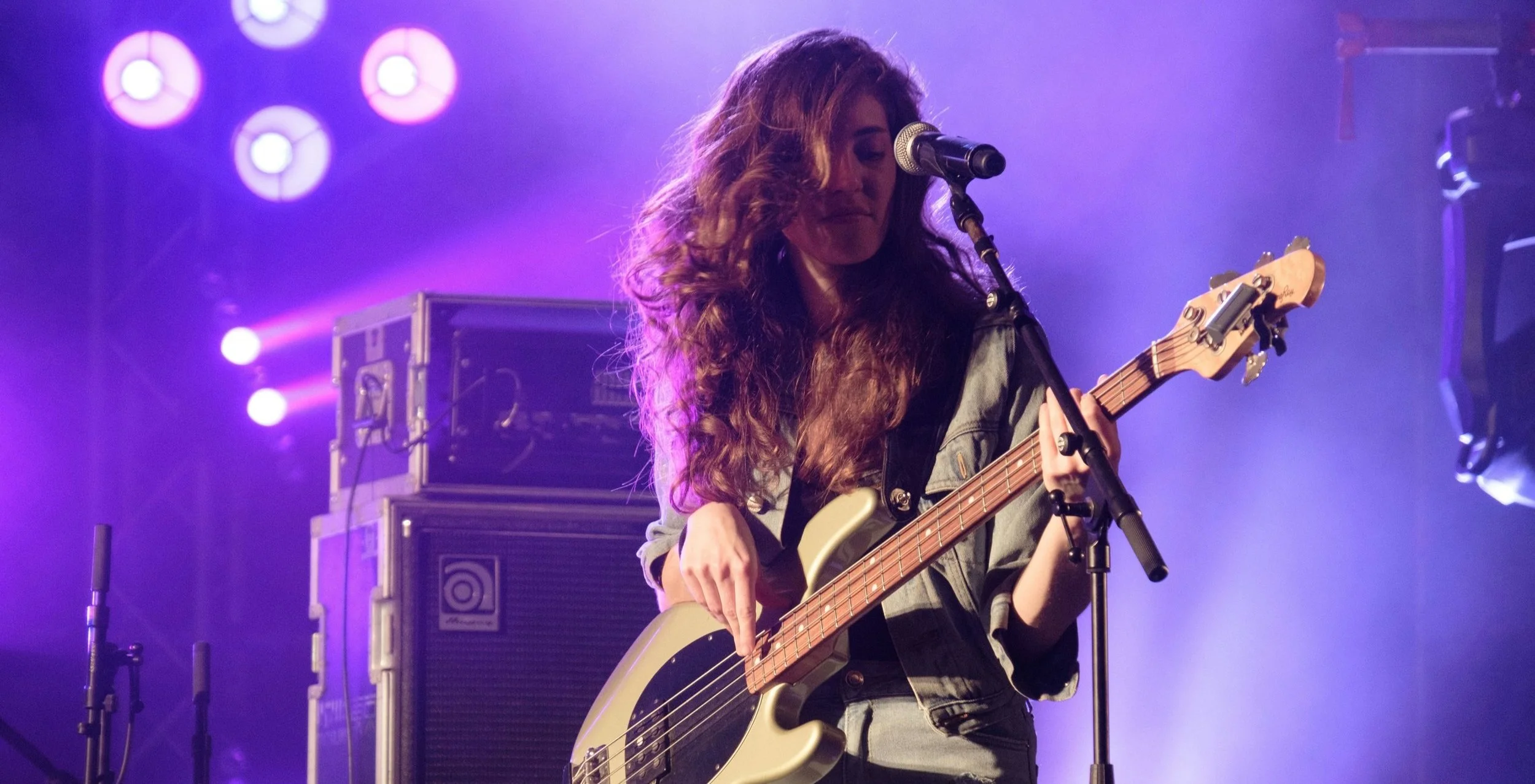
A dozen ideas to amplify audience engagement and recreate the essence of iconic acts – offering audiences a taste of nostalgia and a connection to music history.

Building beats a producing tracks in your bedroom is one thing. But figuring out how to perform them live is another.

Program Change? MIDI Notes? CC? Everything you need to know about Song selection in Visibox.
Blend multitrack audio and dynamic visuals for an enhanced live performance experience.