Get Visibox
⊙ Visibox · out now

Music for
your eyeballs.

Stadium-style visuals on a garage-band budget. Trigger, sync, and play audio and visuals live from your keyboard, MIDI rig, or Stream Deck.

macOS 12+ · Windows 10+·14-day Pro trial·No card required
What it does

Built for the stage.

For bands, DJs, worship teams, theaters, and installations: anyone putting visuals on a screen.

Features
The big idea

Plays Like an Instrument

Control your visuals as if they were another instrument on stage. Live, by feel.

AI Integration

Your favorite AI can generate visualizers, effects, edit your project, or even trigger clips and audio.

MIDI & Stream Deck

Pedals, pads, keys, drums, or Stream Deck. Map anything to any action.

Live Video Input

HDMI capture, USB, virtual, or webcams. Cut to live action mid-song.

Multichannel Audio

Per-song stereo or multichannel stems, merged on the fly.

Low-Latency Triggering

Audio and visuals fire the instant you hit them.

Any Format, Seamless

Most video & audio formats, gapless playback and looping.

Any Screen

Plug-and-play projectors, TVs, or large-format LED video walls.

Docs & Community

Well-documented, actively supported, with a real community.

The interface

Played, not
programmed.

  • Live, not post-productionBuilt for the realities of a live set — not a post-production timeline.
  • Muscle memory, not menusTrigger and play visuals in real time, by feel, like any other piece of your rig.
  • A complete audiovisual environmentClips, audio, cameras, and output in one window. No crew, no cue-list programming.
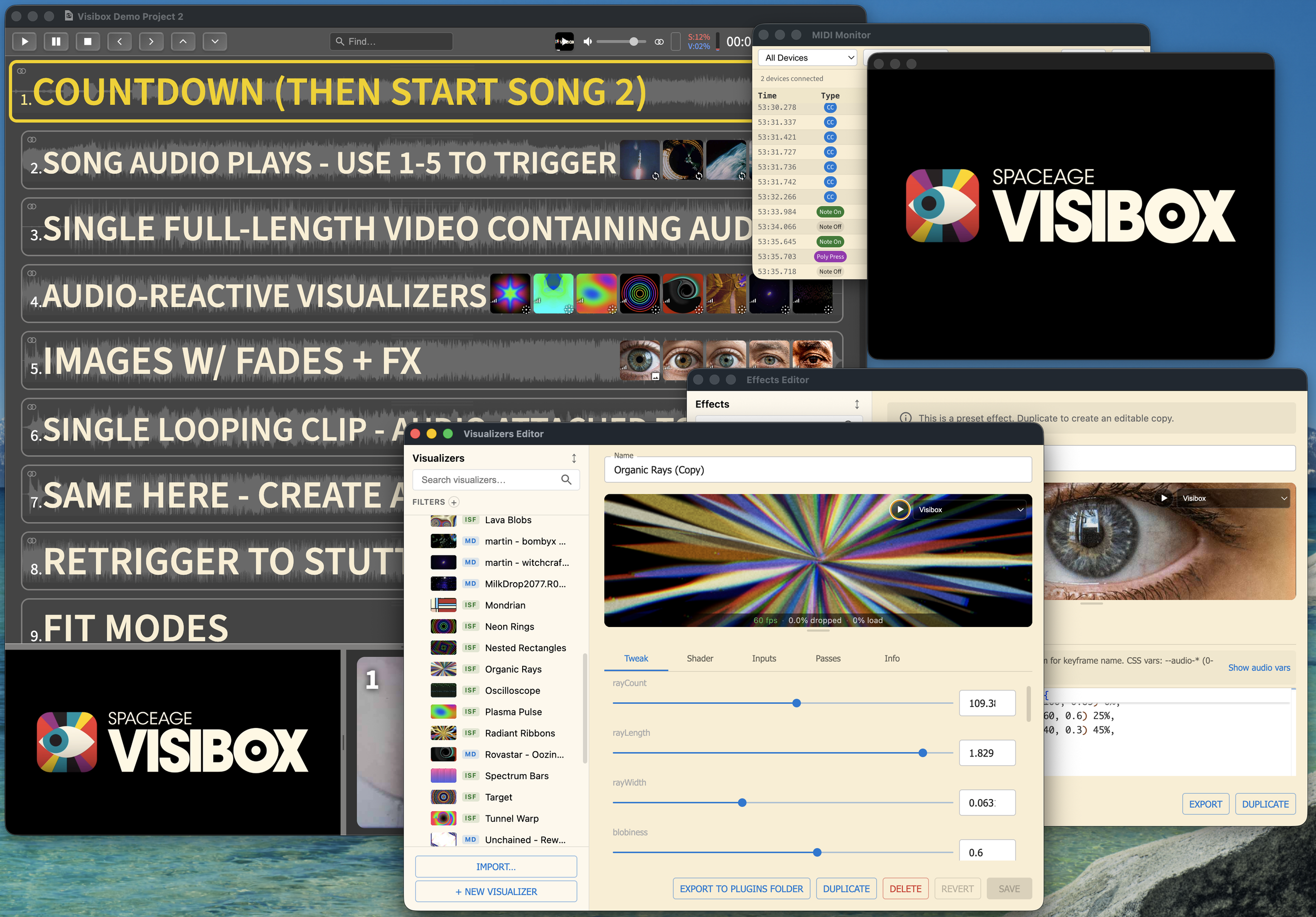
Visibox interface — songs and clips, MIDI monitor, and visualizer editor
From the stage

Sing it!

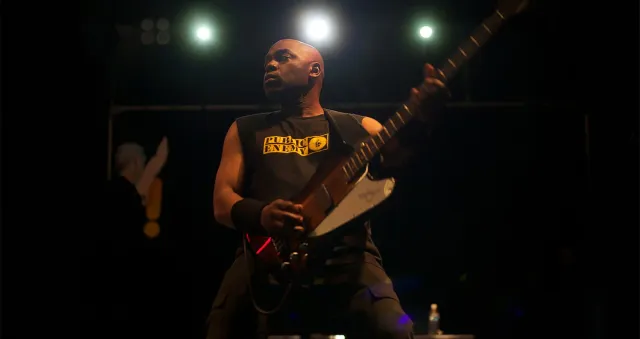
Brian HardgroovePublic Enemy
I've had a long career performing with remixed visuals on stage. Visibox is empowering a whole new generation of performers to do the same thing - no crew, no complexity, just a powerful creative tool for audio and visual expression. It's democratizing what used to be out of reach for most artists, and I'm here for it.

Scott UhlYouTube gear guru and performer
Visibox is awesome, easy to understand, and has a very nice interface. As a musician who plays with live visuals, its flexibility and powerful features will help you include visuals in your performances quickly and easily. Really cool software!

Athan BilliasPresident, MIDI Association
Yes, it's true: The MIDI Association loves Visibox. We're using it at Music China, CES, and NAMM for branding and demo videos in multiple languages. We always say making it easy is really hard, but you did it. Visibox is incredibly easy and incredibly powerful. And of course, it's powered by MIDI.

Tristan BresComposer, Sounddesigner, Remix (Rastovich)
I really love the way this software is built (so intuitive and clever). I was searching for VJ software for a long time, I tried things like VDMX etc... But honestly, yours is the best, for one reason: because it's simple to manage live! And the setlist concept is just brilliant!

Gina CCBurning Red: Tribute to Taylor
I've got StageTraxx sending MIDI to my Macbook Pro with Visibox installed, and it all just works perfectly. I'm so happy I could cry. It is SO fun having video synced up to precise moments in the songs. This has really leveled us up. Fantastic job on this product! It's JUST what we needed!

Drake DescantPadded Waltz
I love love love love love love Visibox. If Visibox could cross-dissolve, it would be the best software in the world. It's so easy and amazing. I'm an instant permanent fan of Visibox and we're going to use it moving forward for our concerts (background videos projected behind us). Thanks for being awesome!

Micky PearsonThe Ultimate 70's Show
We used to pay over £200 per night for someone to run videos at our gigs. Now I can do it from my keyboard rig on stage. Visibox is brilliant!
⊙ Get it

Download Visibox for free.

Try every Pro feature free for 14 days — no credit card. After the trial, the Free Plan is yours forever.

Also available: Pro plans from $6.99/mo · older versions

Latest

News and info.

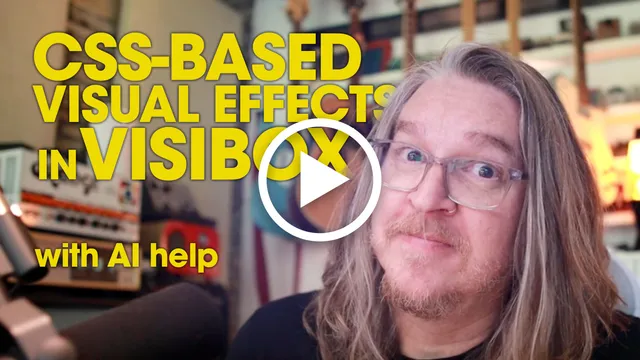
Create Visibox CSS Effects with Claude, Cursor, or Codex

Visibox 5 ships with an MCP server, so a desktop AI assistant can build custom effects for you. Watch Claude write a James Bond gun-barrel iris from scratch: you describe it, the AI writes the CSS, and it drops straight into your show.

Special Office Hours: Brian Hardgroove of Public Enemy

Tuesday, June 2 at noon Eastern — a live conversation with Public Enemy's Brian Hardgroove on touring, gear, and the role of visuals in live performance. Plus we'll talk about his new project with DMC and DJ Johnny Juice.

Create AI Music Visualizers with Claude, ChatGPT, or Gemini

Connect Claude, ChatGPT, or Gemini to Visibox and describe the visual you want. The AI writes the shader, Visibox plays it live. No coding needed.

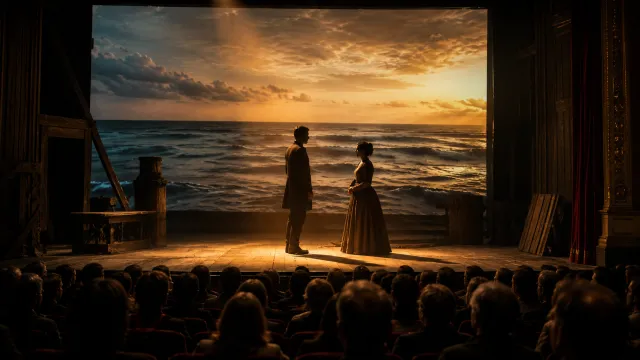
Recipe: Stage Projections for Theater and Performing Arts

A step-by-step recipe for running projected scenery, video backgrounds, and visual cues in theater productions using Visibox – no cue-list programming required.

Release: Visibox 5.0

Discover Visibox 5.0, the most significant update yet, featuring new creative tools, AI integration, and hardware control for unparalleled visual command. Experience audio-reactive visualizer clips, a redesigned interface, and seamless Stream Deck plugin integration for enhanced performance and creativity.

How to Create Visuals With AI-Generated Code (No Coding Required)

No coding needed. Use ChatGPT, Claude, or Gemini to generate stunning looping visuals with p5.js and Three.js code -- right in your browser. A hands-on guide for musicians, VJs, and creators.

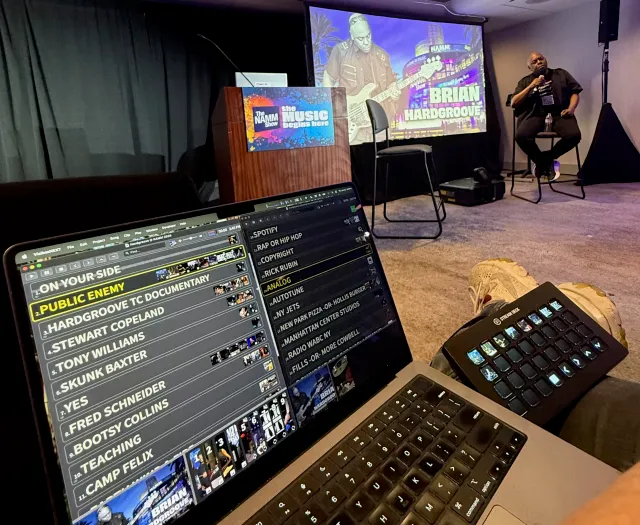
Visually Remixing a Conversation: Visibox as a Visual Sample Player at NAMM 2026

How we used Visibox as a video soundboard for a live interview with Public Enemy's Brian Hardgroove at NAMM 2026 triggering visuals reactively like a DJ triggers samples

Release: Visibox 4.4

Song & Clip search, a MIDI Monitor window, and many other improvements to help you find, monitor, inspect, and select!

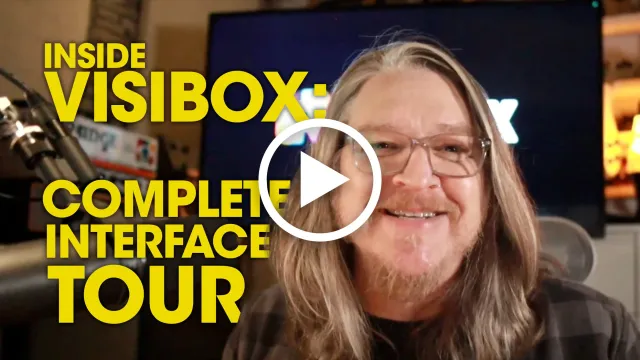
Inside Visibox: Complete Interface Tour & Tutorial

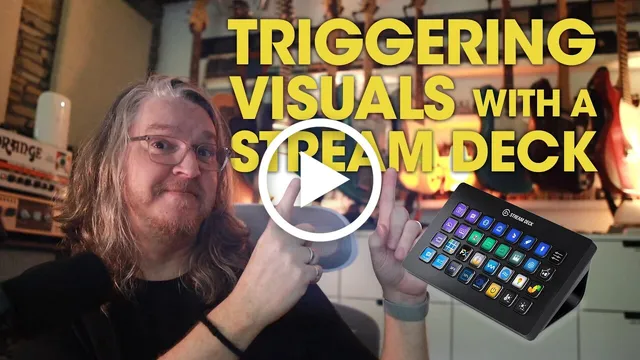
Your complete guide to Visibox. Learn how to trigger visuals with MIDI, Stream Deck, and keyboard shortcuts, manage multi-channel audio, and master every feature for flawless live performances.

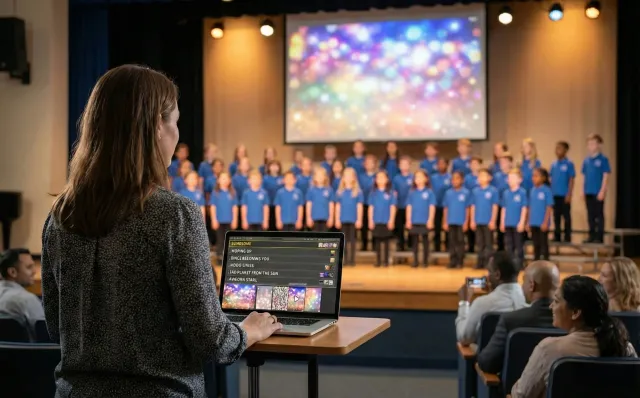
School Concert Backing Tracks & Visuals: A Music Teacher's Guide

Struggling with backing tracks and visuals at school concerts? Learn how to simplify tech for parent volunteers and focus on your students, not troubleshooting.

Next Week at NAMM: Live Video Sampling with Brian Hardgroove

Visibox as a video soundboard with Public Enemy’s Brian Hardgroove at NAMM

Visibox 2025 Year In Review

20 releases, a free plan, multichannel audio, media optimization, and 7 languages — see what made this Visibox's biggest year yet.

Release: Visibox 4.2

Modernized playback system, powerful performance monitoring tools, and UI enhancements.

Recipe: Multichannel Backing Tracks For Your Next Performance

This step-by-step recipe shows you how to prepare stems in your DAW, configure your audio interface, and route multitrack audio for your next show.

Media Optimization In Visibox

Keep your shows glitch-free with Visibox’s built-in optimization tools.

Release: Visibox 4.1

Merge audio stems into video files, Perpetual License support, and macOS 26 compatibility.

Release: Visibox 4.0

Free free free free free free free! Visibox now has a free plan. Also, Japanese, Korean, and Italian translations.

Creating Concert Visuals With AI

Tips, tricks, and ideas for creating Visibox visuals using AI. This how-to guide will get you up and running in the right direction.

Release: Visibox 3.6

A new overlay to manage and optimize your project’s media files, check your drive speed, and create custom thumbnails. Plus, performance improvements, bug fixes, and more.

Multichannel Backing Tracks In 3.5

From live sound setups, to in-ear monitors, and even immersive art installations, Visibox simplifies audio management and makes it easy to merge your individual stem files for multitrack playback.

Mailing list

Stay up to date.

New releases, tutorials, and the occasional artist spotlight, straight to your inbox.

Pricing

Pick a plan. Activate two computers.

Every plan starts with a 14-day Pro trial — all features, no credit card. The Free Plan lasts forever; Pro unlocks everything.

$0
Limited but real. Use forever.
  1. 5 clips per song
  2. 5 songs per project
  3. Backing tracks (stereo)
  4. Discord community
Download
Perpetual
$299.00 one-time
Own this version · 2 years of updates.
  1. All Pro features
  2. Own this version forever
  3. Includes 2 years of updates
  4. No subscription