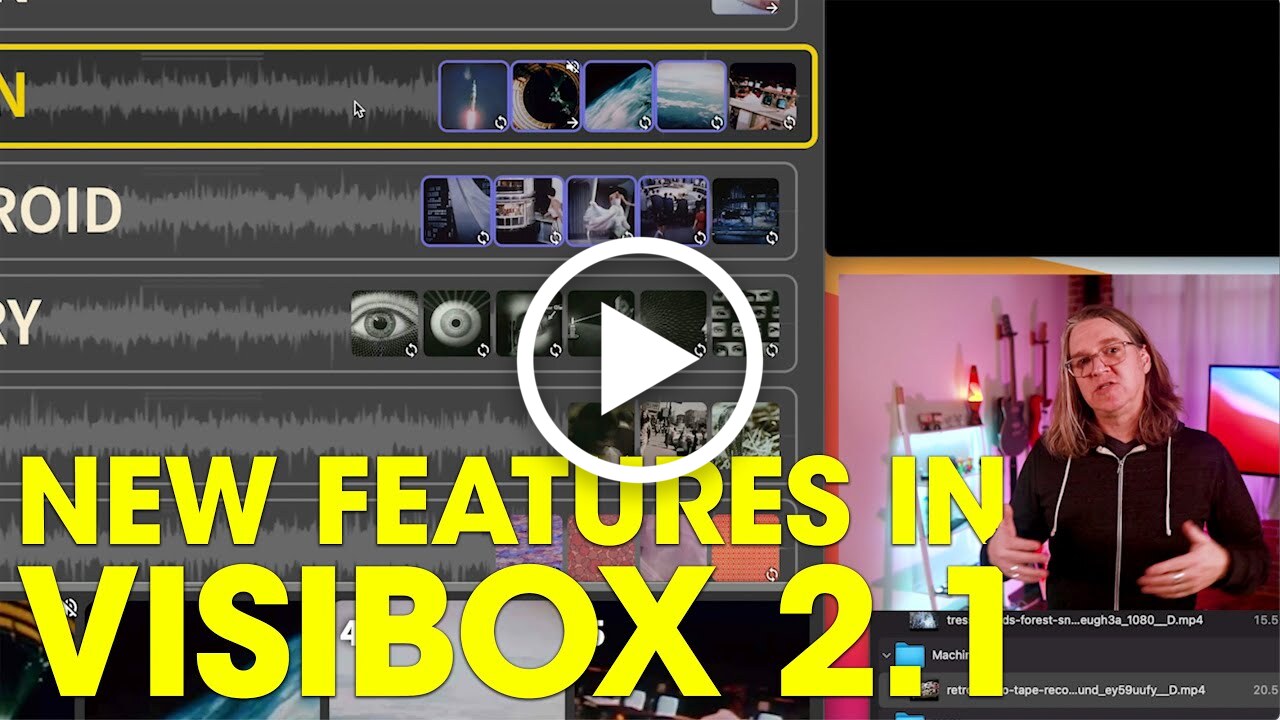

What’s New
This new release is all about detective work! Search, monitor, inspect, select - basically CSI: Live Visuals. Find your clips, watch your MIDI, and light up your controllers.
⚠️ macOS Requirement Update
- macOS 12 (Monterey) or later is now required — We have dropped support for macOS 11 (Big Sur) and earlier. While this version of Visibox may work with those versions, we are no longer supporting those versions of macOS, and you may experience problems. This does not affect Windows users.
New Features
- 🔎 Song & Clip Search — Quickly find and navigate to any Song or Clip using the new search box in the control bar, with fuzzy matching and keyboard navigation. Quickly activate, scroll to, or trigger right from the search results.
- 🎹 MIDI Monitor Window — A new dedicated window for real-time MIDI message inspection, making it easier to troubleshoot and configure your MIDI setup
- 💡 MIDI Feedback — Your MIDI controllers can now receive feedback from Visibox, allowing LED indicators to show Clip status
- → Select All by Type — New menu options to select all clips of a given type in order to change their options en masse
Improvements
- Better macOS 26 Support — Even more stable on macOS Tahoe
- Clip Navigation — Next/previous clip navigation now correctly respects your active song selection
- Window Menu — Projects now display with state indicators in the Window menu
- Clip Tooltips — Optimized clip variants now show metadata in tooltips
Stability & Performance
- Improved handling of uncached video clips during resume and restart
- Resolved a problem where multiple clips might start if triggered at the same time