
What’s New
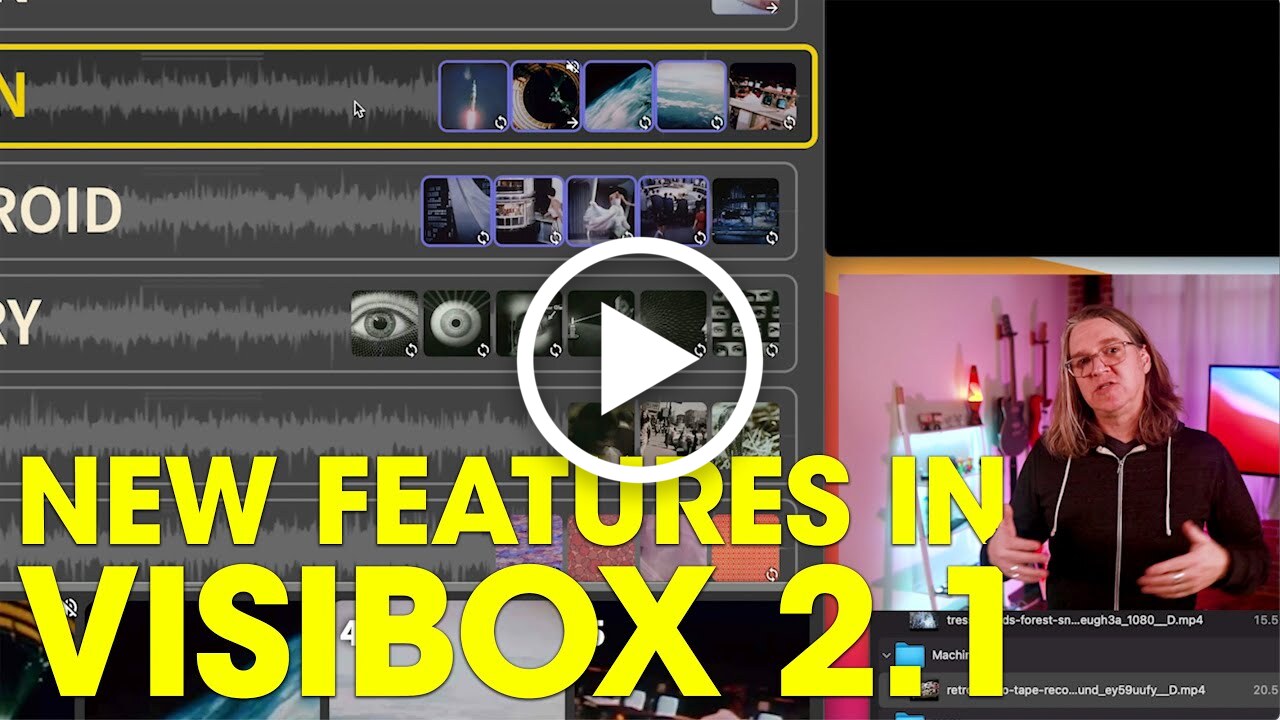
Visibox 5.0 is the biggest update since launch — new creative tools, a redesigned interface, AI integration, and hardware control that puts you in command of your visuals like never before.
New Features
-
Audio-Reactive Visualizer Clips — Add audio-reactive visuals to your set with ISF shader and MilkDrop preset support. Respond to your audio in real time with a curated library of visualizer presets. A dedicated Visualizers Editor lets you browse, create, and edit presets with a live preview and full syntax highlighting. Import thousands of community-built MilkDrop
.milkand ISF.isfpresets directly into your library and use them across your projects. -
Effects — Apply audio-reactive CSS effects to any clip. If you know CSS, you can create Visibox effects! Stack multiple effect layers on a single clip and toggle them individually. A dedicated Effects Editor lets you browse, preview, audition, and apply effects with a live preview.
-
Clip & Song Editors — Right-click any clip or song to open a rich inline editor with sliders, toggles, and instant feedback. Fine-tune volume, speed, loop mode, fit mode, resume behavior, effects, and more. Supports multi-clip editing of properties common to selected clips.
-
Stream Deck Plugin — Native Elgato Stream Deck integration. Install from Settings > Devices. Trigger clips, navigate songs, and control playback with clip thumbnails on trigger buttons. Now you can use the Elgato software to configure your Visibox controls any way you’d like across as many Stream Deck devices as you’d like.
-
AI Assistant MCP Server — AI tool integration for Claude Code, Cursor, VS Code, Zed, Cline, and Gemini CLI. Edit your project, create visualizers, and build effects with AI assistance. Create new visuals or effects, edit your project, even trigger clips - just by talking to the AI assistant. Welcome to the future! 🚀
-
Visibox CLI — Control Visibox from your terminal. Play, stop, pause, navigate songs, trigger clips, adjust volume, query project state, and edit settings — all from the command line. Supports
--jsonoutput for scripting. -
API & Remote Control — A full HTTP and WebSocket API for remote project control and editing. Pair devices with secure token-based authentication, trigger clips, edit projects, and manage presets — all from external tools and scripts.
-
Color Clips — The old black-only “Placeholder” clips are now “Color” clips with a built-in color picker, and 12 preset swatches. Apply effects for texture, atmosphere, or audio-reactive backdrops. Use them as blackouts, whiteouts, or add effects to create moody backgrounds.
-
Sync to Song Position — A new resume option for video clips that locks playback to the song timeline. Allows you to start playing a full-song-length video, switch to a camera or HDMI input for the big solo, then switch back to video and it picks up where it would have been if it had continued playing.
-
Media Latency Compensation - A new setting compensates for any time in loading your audio or video by starting it later on its timeline. So if a clip takes 100ms to load, it will start at the 100ms point in the media - “compensating” for this latency - and potentially cutting off the beginning of the media. Note that most cached audio/video media files start with very little latency - and Visibox 5.0 is even more aggressive in its caching strategy.
-
Playback Timers — Elapsed and remaining time displayed on song and clip progress bars.
-
Settings Window — A dedicated settings window with sidebar navigation across Audio, General, Devices, and Language sections. Changes apply instantly. Open with Cmd/Ctrl+Comma.
-
New Fit Mode — Choose how clips fill the output: “Stretch” fills the frame edge-to-edge by distorting the image, while the old “Letterbox” and “Crop” (default) modes stay in place.
Improvements
-
More Responsive — Projects load sequentially for faster app launch. Triggered clips get priority loading, and, in addition to any activated song, the next song’s clips are now pre-cached.
-
Window Management — All windows remember their size, position, and display across restarts.
-
Support + Report A Bug Windows — Updated support window and added a new “Report A Bug” window.
-
Project Reliability — Hardened project saving against data corruption and resource leaks. Better handling of failure recovery when a previously-open project file is missing.
Learn all about the new features (and everything else Visibox has to offer) at manual.spaceage.tv.